

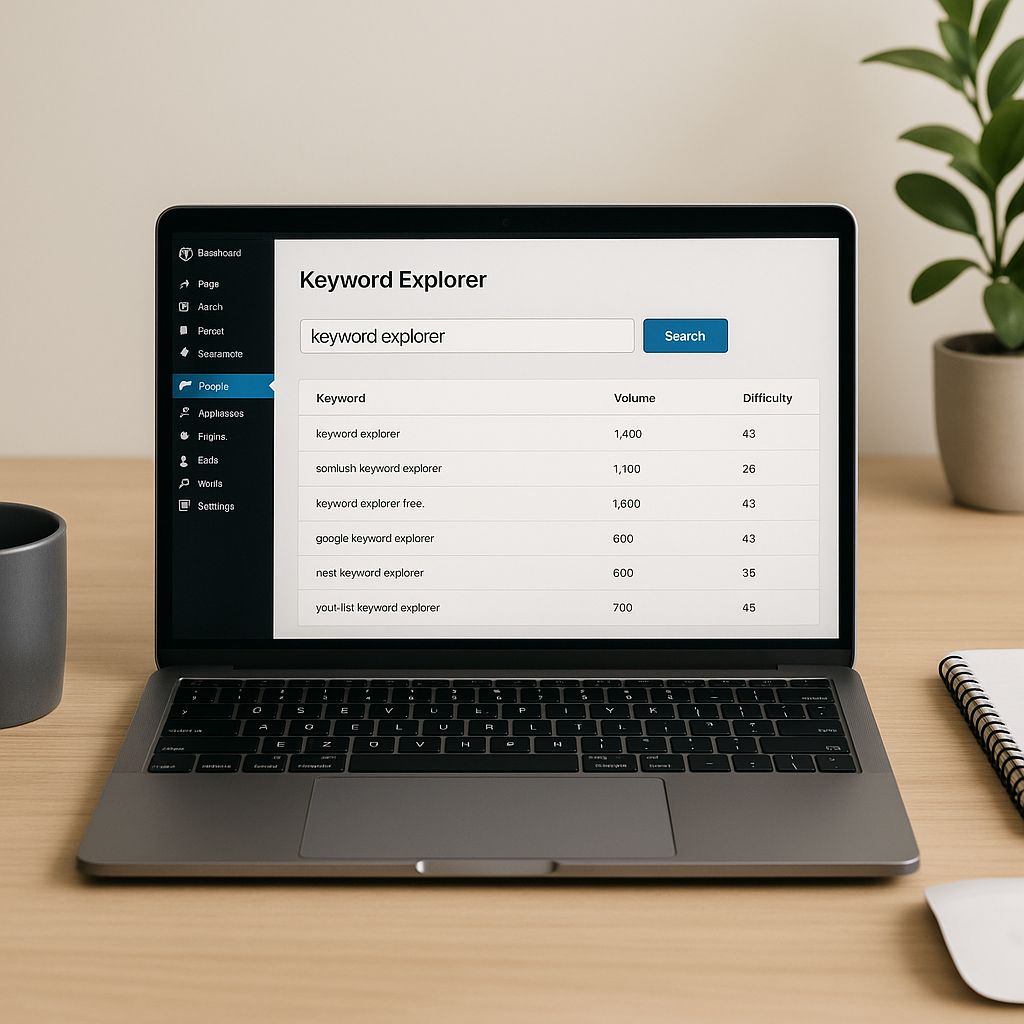
The best Keyword Explorer plugin for a UK WordPress site is one that provides relevant UK keyword data, explains its metrics and fits your publishing workflow and budget. Compare tools using the same sample searches, check their permissions and costs, and choose the option that helps you identify realistic topics—not simply the largest keyword list.
Key takeaways
- Prioritise UK targeting, search intent and transparent data sources.
- Treat search volume and keyword difficulty as estimates, not guarantees.
- Check research limits, renewal prices and any separate API charges.
- Use research alongside Yoast SEO, rather than treating either as a ranking guarantee.
- Test usability and WordPress compatibility before committing.
What does a keyword research plugin actually do?
A WordPress keyword research plugin helps you discover or evaluate search terms while planning content. Depending on the product, it may suggest related queries, show estimated search demand, organise keyword lists or connect your dashboard to an external research service.
These capabilities differ from on-page SEO checks. Keyword research helps you decide what to write and why someone would search for it. Yoast SEO helps you review how clearly a page communicates its chosen topic, alongside other SEO functions.
Do not assume that a product called “Keyword Explorer” includes a particular database, UK filter or integration. Verify the exact plugin, developer and current feature list before installing it.
What to look for in a Keyword Explorer plugin
1. UK targeting and useful location detail
Check whether you can select the United Kingdom as the research market. English-language data is not automatically UK data: US searches can dominate an international dataset.
Test terms relevant to your customers, such as “solicitor”, “trainers” or “loft conversion”. For local businesses, investigate whether location settings support your service area. A UK-wide estimate does not tell you how many potential customers are searching in Leeds or Cardiff.
Use British spelling where appropriate, but follow audience language rather than mechanically replacing every American variant.
2. Transparent metrics and limitations
Look for explanations of the data source, geographical coverage, update frequency and calculation methods. Search volume is usually an estimate; it should not be treated as an exact count of future visitors.
Keyword difficulty scores are vendor-specific indicators. A score of 30 in one tool may not mean the same thing elsewhere. Advertising competition and cost-per-click metrics describe paid-search conditions, not a direct measure of organic ranking difficulty.
Low-volume terms can still be valuable when they closely match a profitable service or a specific customer problem.
3. Search intent and result checking
A useful tool should make it easy to investigate what a searcher wants: an explanation, a comparison, a product or a nearby provider. If it does not offer search-result analysis, build that check into your manual workflow.
Search representative queries and examine the pages that appear. Product-heavy results may favour a category page, while instructional results may suit a tutorial. Results vary by location and context, so use them as evidence rather than a fixed template.
4. Practical WordPress features
Prioritise functions that save actual editorial time: clear filters, saved lists, exports and an interface your team understands. Check whether the plugin supports your editor and whether access can be limited by user role.
Confirm any advertised connection with Yoast SEO or another publishing tool. An exportable keyword list is useful, but it is not the same as automatic data synchronisation.
5. Sustainable pricing
Compare the full cost of your expected workload. A free installation may still require paid credits, an external account or a separately billed API.
Check monthly research limits, export restrictions, additional-user costs and renewal terms. For UK budgeting, note the billing currency and whether displayed prices include VAT where applicable. Recheck the checkout total rather than relying on an old review.
Compare shortlisted plugins with a repeatable test
Use a small evaluation sheet rather than choosing by feature count alone. Run the same ten seed keywords through each candidate, covering informational, commercial and local searches.
| Criterion | What to test | Positive signal |
|---|---|---|
| UK relevance | Select the UK and inspect suggestions | Clear market settings and relevant terminology |
| Data clarity | Read metric definitions | Sources and limitations are explained |
| Workflow | Save, group and export terms | Your editor can repeat the process easily |
| Cost | Model one month of normal usage | Limits and total charges are predictable |
| Compatibility | Test on a staging site | No obvious conflicts or errors |
Score each area consistently and weight it around your needs. A local trades business may prioritise location relevance; a publication may place more weight on topic grouping and exports.
A practical UK keyword research workflow
Start with customer questions
List the services, products and problems your website addresses. Add questions from sales enquiries, support messages and existing site-search data where available. Enter these as seed topics in your Keyword Explorer plugin.
For example, an insulation installer might investigate “loft insulation cost”, “loft insulation grants” and location-specific service searches. These represent different needs and should not automatically target one page.
Group keywords into page-level topics
Group closely related terms by intent. Assign each group to an existing page or a planned new page. Avoid creating near-identical articles for minor wording variations.
Prioritise relevance to your business, the quality of competing results and your ability to contribute useful first-hand detail. Search volume should inform that decision, not override it.
Write for readers, then review with Yoast SEO
Choose one primary topic per page. Use the focus phrase naturally in the title, opening paragraph and a relevant subheading, then include related language where it helps explain the subject.
For answer-engine optimisation, place a concise answer near the beginning and use descriptive headings, steps and genuine FAQs. This improves clarity but does not guarantee inclusion in AI-generated answers. Treat Yoast feedback as editorial guidance, not a reason to repeat awkward phrases.
Measure after publication
Use Google Search Console to review the queries, impressions and clicks your pages receive. Where appropriate, connect that evidence with enquiries or sales in your analytics setup.
Allow for indexing, seasonality and limited data. Improve weak sections or mismatched page intent rather than assuming every change in traffic comes from your keyword choice.
Check maintenance, performance and privacy
Before adopting a Keyword Explorer plugin, inspect its update history, compatibility notes, support documentation and requested permissions. Back up your site and test on staging where possible.
Check whether research runs remotely, whether scripts load on public pages and whether the plugin introduces noticeable dashboard delays. More features do not necessarily mean more front-end overhead; measure the actual behaviour.
Read the privacy documentation to understand what leaves WordPress. Avoid submitting confidential customer information in research queries, and assess any personal-data processing against your UK data-protection obligations.
Frequently asked questions
Can a free Keyword Explorer plugin be enough?
Yes, if its research limits, UK targeting and available data meet your needs. Check whether useful features require paid credits or an external subscription before building your workflow around it.
Does Yoast SEO replace keyword research?
No. Yoast SEO can help assess on-page optimisation, but you still need to investigate audience demand, search intent and competing pages before choosing a topic.
Should I always choose the highest-volume keyword?
No. A lower-volume term with clear buying intent and strong relevance can be more useful than a broad, competitive phrase. Consider business value and the page you can realistically create.
Will FAQ schema guarantee a Google rich result?
No. Valid FAQPage markup does not guarantee a rich result. Google restricts FAQ rich-result availability, and markup should reflect visible questions and answers rather than add hidden promotional content.
{“@context”:”https://schema.org”,”@type”:”FAQPage”,”mainEntity”:[{“@type”:”Question”,”name”:”Can a free Keyword Explorer plugin be enough?”,”acceptedAnswer”:{“@type”:”Answer”,”text”:”Yes, if its research limits, UK targeting and available data meet your needs. Check whether useful features require paid credits or an external subscription before building your workflow around it.”}},{“@type”:”Question”,”name”:”Does Yoast SEO replace keyword research?”,”acceptedAnswer”:{“@type”:”Answer”,”text”:”No. Yoast SEO can help assess on-page optimisation, but you still need to investigate audience demand, search intent and competing pages before choosing a topic.”}},{“@type”:”Question”,”name”:”Should I always choose the highest-volume keyword?”,”acceptedAnswer”:{“@type”:”Answer”,”text”:”No. A lower-volume term with clear buying intent and strong relevance can be more useful than a broad, competitive phrase. Consider business value and the page you can realistically create.”}},{“@type”:”Question”,”name”:”Will FAQ schema guarantee a Google rich result?”,”acceptedAnswer”:{“@type”:”Answer”,”text”:”No. Valid FAQPage markup does not guarantee a rich result. Google restricts FAQ rich-result availability, and markup should reflect visible questions and answers rather than add hidden promotional content.”}}]}